9 Things You Can Actually Do With Claude in 2026
9 things you can do with Claude in 2026, from Artifacts and a 1M-token context window to memory and agentic tasks. The capabilities you're probably missing.
Claude in 2026 is a different tool from the one most people picture. Ask the average person what you can do with Claude and you'll get "it writes things and answers questions." True, and roughly a tenth of the story.
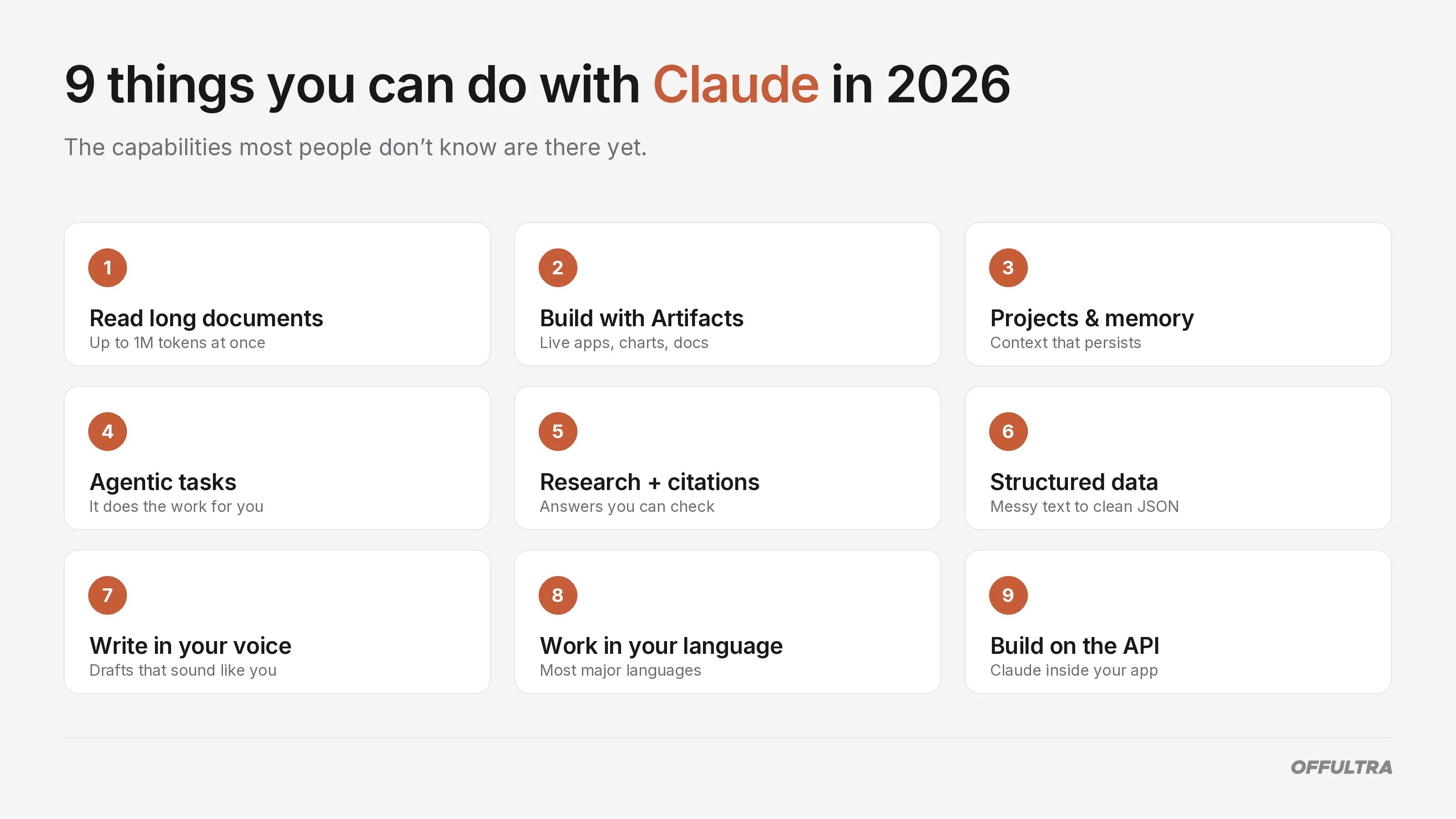
Here are nine things you can actually do with Claude today, each one checked against what the tool does right now rather than what it could do a year ago. No marketing, no stale specs, just the stuff worth knowing.
1. Read and Reason Across Very Long Documents
Drop in a contract, a research paper, or a stack of PDFs and Claude reads the lot, summarises it, and answers questions about specific passages. This is the bread-and-butter use, and it's the one most people start with.
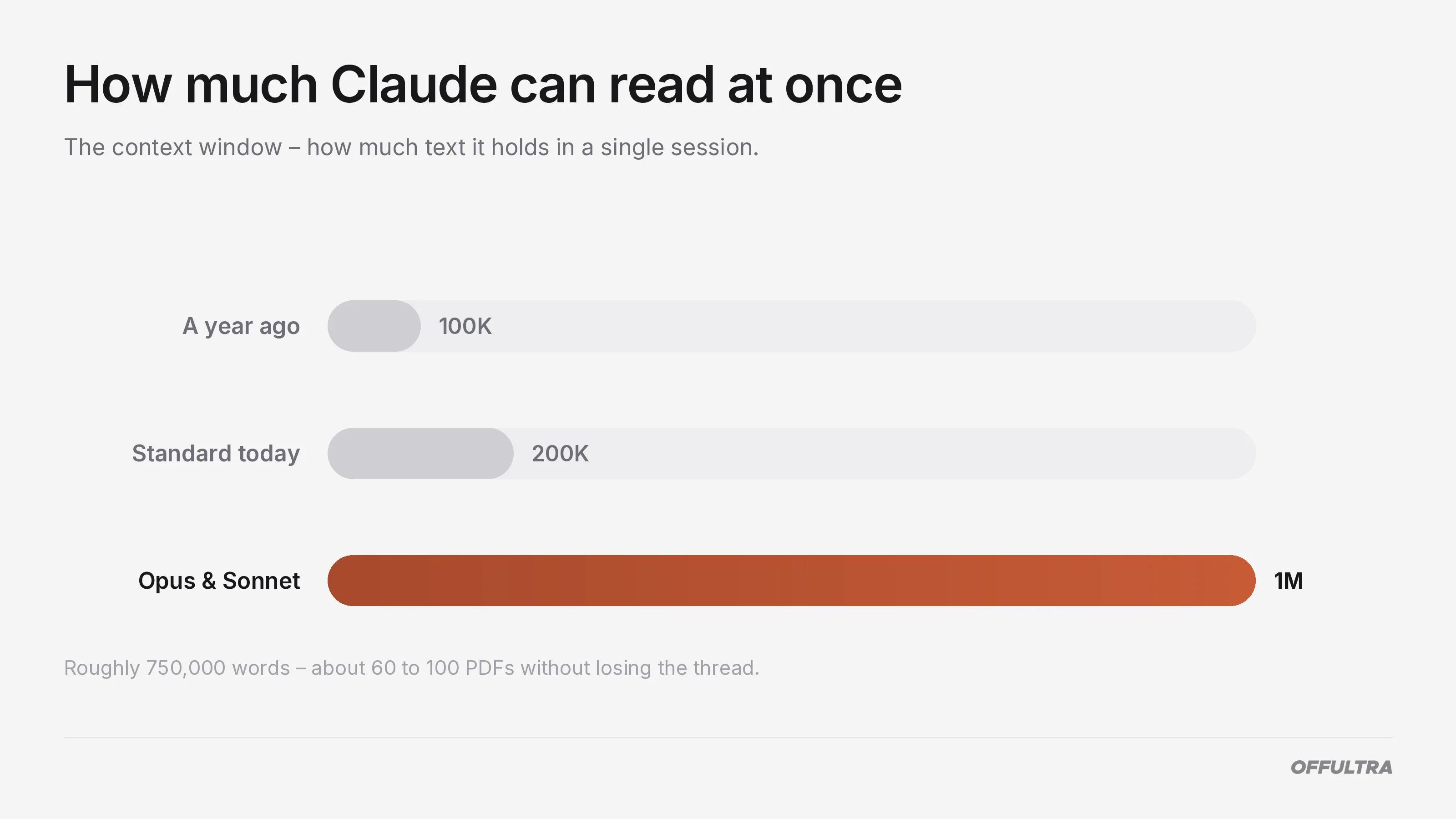
The number that matters here is the context window: how much text the model can hold in its head at once. A year ago you'd have seen "100K tokens" quoted as the ceiling. Today Claude's most capable models, Opus and Sonnet, reach up to one million tokens, with 200,000 as the standard. In plain terms, a million tokens is roughly 750,000 words, or somewhere around 60 to 100 typical PDFs in a single session.
A token, by the way, is just a chunk of text the model processes, usually a word or part of one. You don't need to count them. You only need to know the ceiling is now high enough that "will it fit?" is rarely the question it used to be.
The same capability handles comparison. Upload several files and ask what changed between two contract drafts, or where two reports disagree, and Claude pulls the differences out rather than making you scan for them.
2. Build Live, Interactive Things With Artifacts
You might have seen this capability called "Canvas" or a "code interpreter" elsewhere. Those are other tools' names for roughly the same idea, and they cause a lot of confusion. Claude's version is Artifacts, and it's one feature, not the two or three separate "modes" it sometimes gets split into.
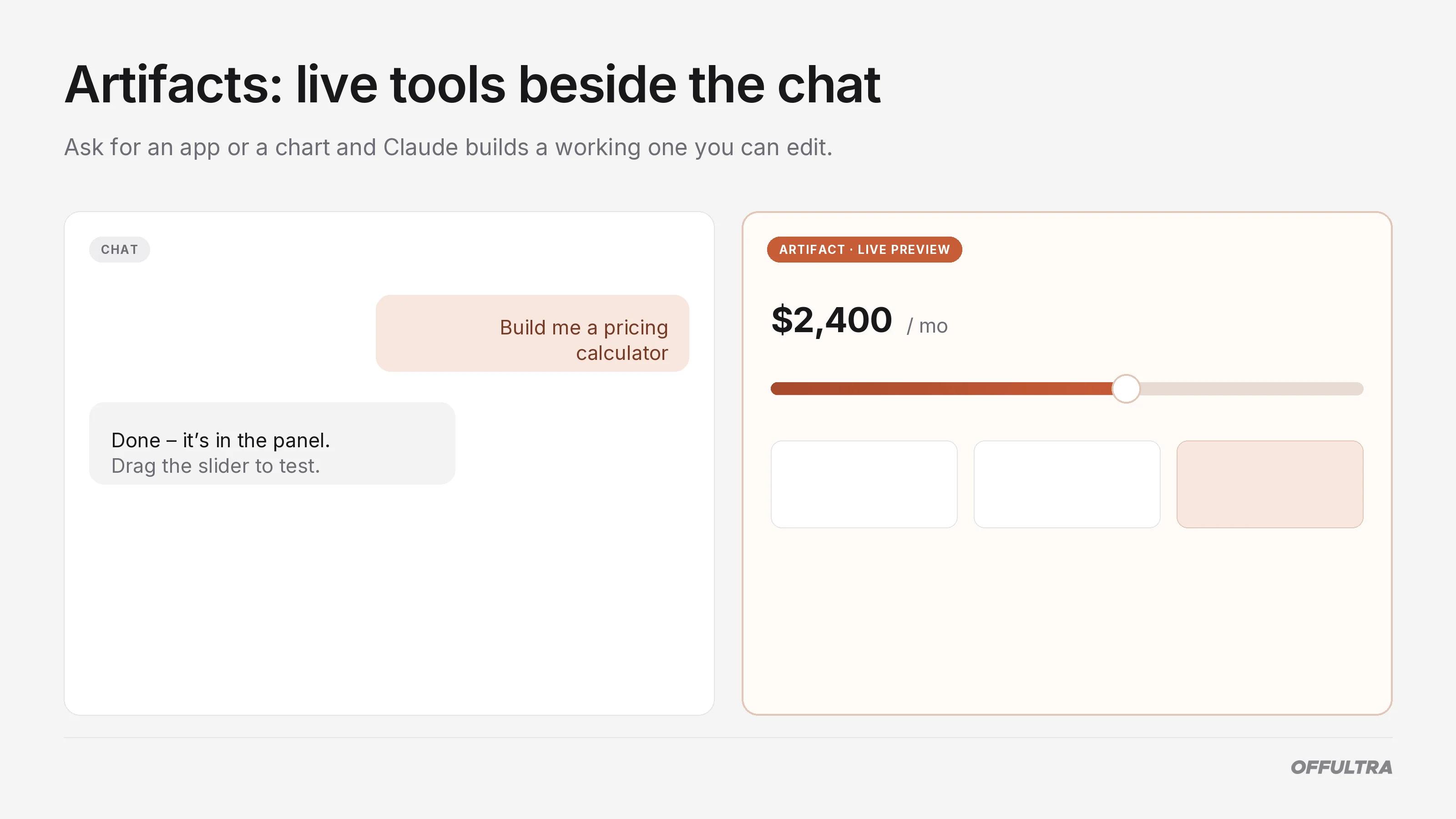
An Artifact is a live output that opens in a panel beside the chat. Ask for a working web app, a chart, a diagram, an interactive calculator, or a formatted document, and it appears as something you can use and edit in real time, not a block of code you have to run yourself.
Two things changed recently that are easy to miss. Artifacts arrived on the free tier in early 2026, so you no longer need a paid plan to make basic ones. And Live Artifacts, introduced in April, can stay connected to a data source and refresh every time you reopen them, which turns a one-off chart into a dashboard you actually keep.
3. Keep Context With Projects and Memory
A Project is a dedicated workspace where you store files, instructions, and a running history, and Claude keeps all of it in view across every conversation inside that Project. Useful when you're returning to the same body of work for weeks rather than asking a one-off question.
The bigger change is memory. As of early 2026, Claude remembers your preferences and working style across conversations automatically, on free and paid plans alike. There are two layers worth knowing: a global memory that builds a rolling picture of how you work, and a separate per-Project memory that stays walled off from everything else. You can view and edit both in settings, which matters if you'd rather it forgot something.
The rest of this post is for subscribers. Below: the agentic features that turn Claude from a chat window into something that does the work, plus the five capabilities most people don't know are there.
4. Hand It a Task and Walk Away
This is the capability that's changed fastest, and the one most people's mental model lags behind. "It can browse the web" was the story a year ago. The 2026 reality is much broader.