ChatGPT Explained: A Beginners Guide to Every Feature in 2026
Most people use ChatGPT like a search box. This complete 2026 ChatGPT guide explains every feature — Agent Mode, Deep Research, Canvas, image generation, and Memory.

Most people use ChatGPT like a search box with better manners. They type a question, read the answer, close the tab. That works, but it means missing most of what the thing can now do.
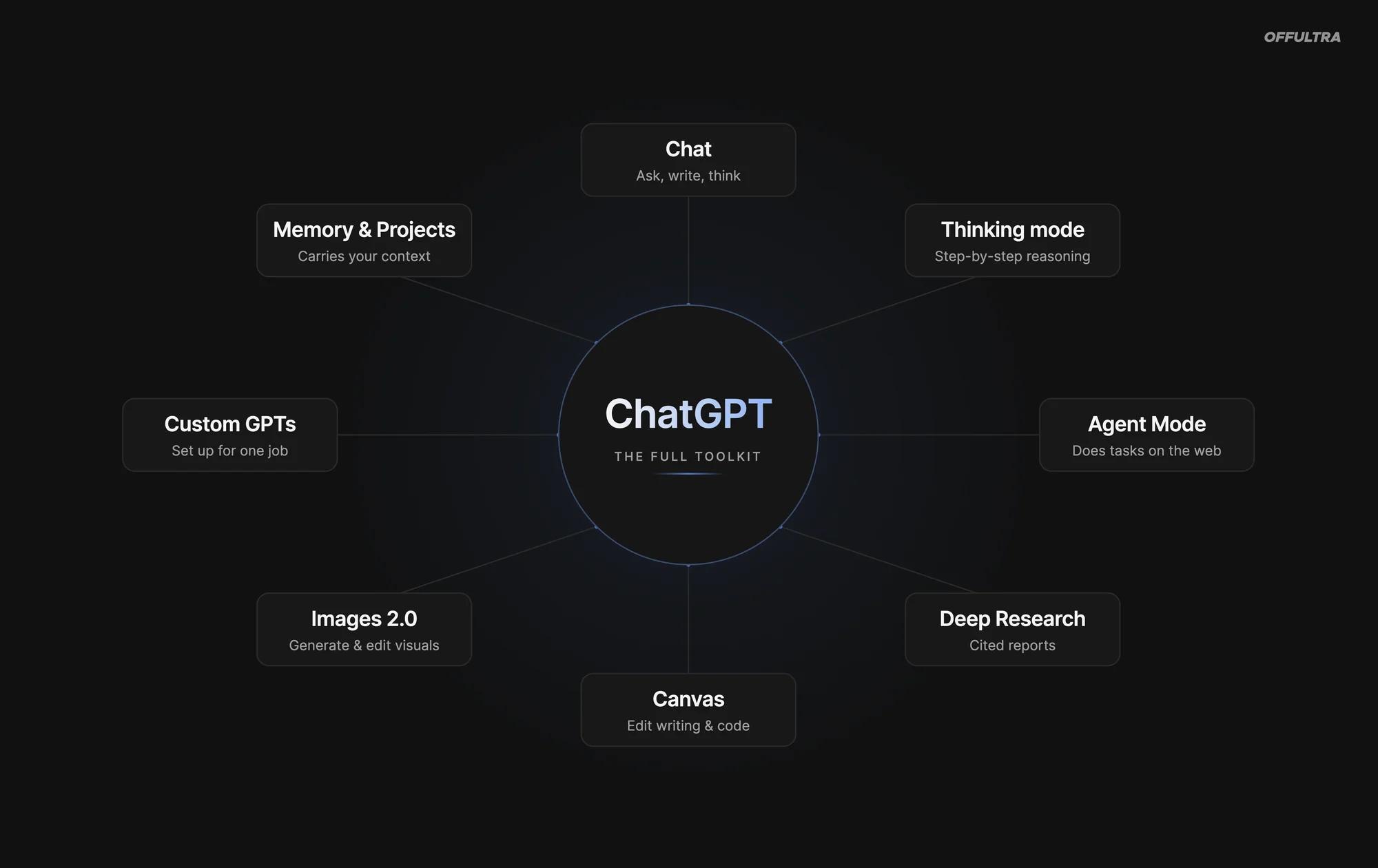
ChatGPT in 2026 isn't one feature. It's a stack of them - a model that thinks before it answers, an agent that does tasks for you on the web, a research mode that compiles reports, a writing-and-coding workspace, image and video generation, and a memory that carries between conversations. This is a plain-English guide to all of it: what each part does, who it's for, and which you should actually be using.
A quick definition first, because everything below sits on top of it. ChatGPT is an AI assistant built by OpenAI. It runs on large language models, or LLMs - software trained on huge amounts of text to predict and generate language, which is what lets it write, reason, and follow instructions. You don't need to understand the engine to drive the car. You just need to know which gear is which.
The models: Instant vs Thinking
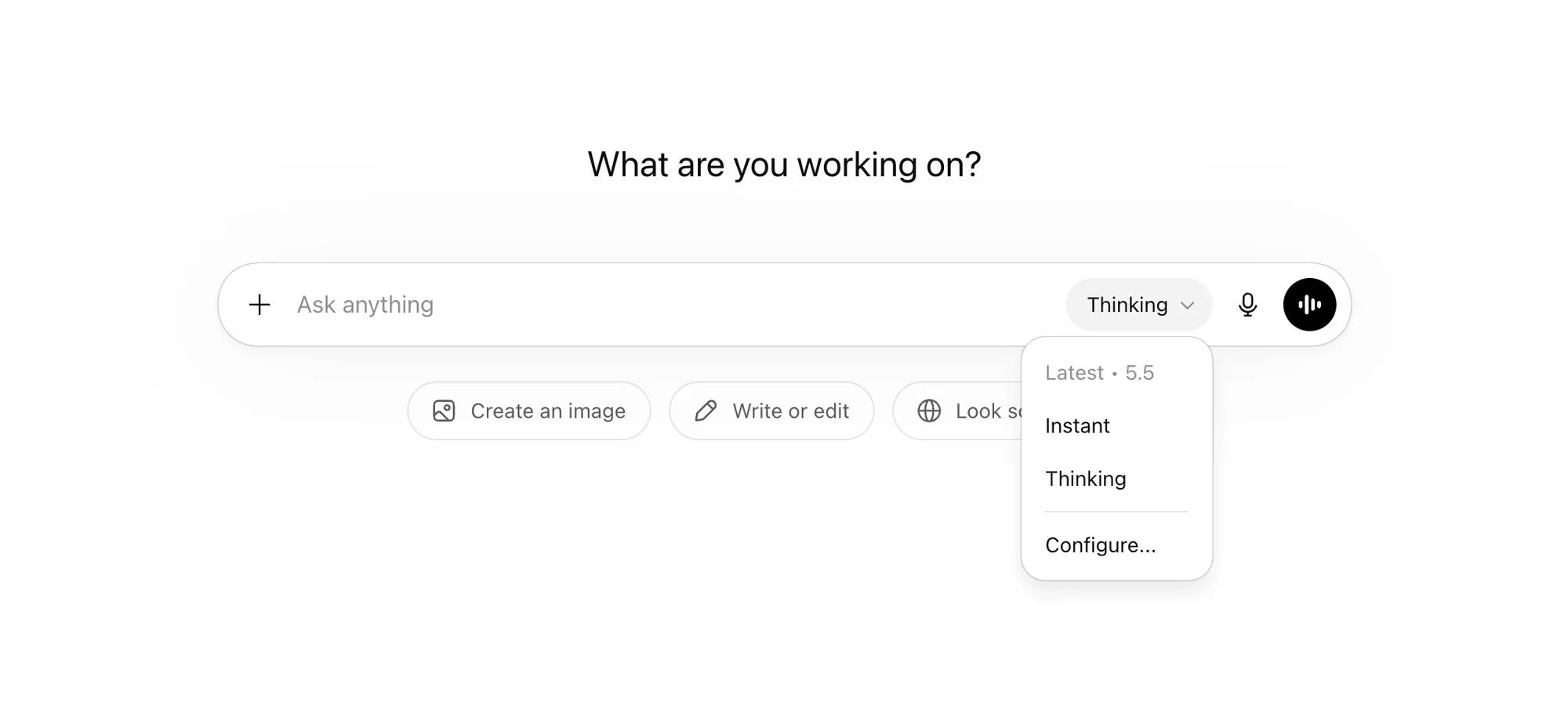
Start here, because it shapes everything else. ChatGPT lets you pick (or let it pick) between two modes of the same underlying model.
Instant answers fast. It's the default and it's right for most things: quick questions, drafting, casual back-and-forth.
Thinking is slower because it reasons step by step before replying. You want it for anything with logic, maths, planning, or where a wrong answer is expensive. The trade is speed for accuracy.
The current flagship is GPT-5.5, with a higher-end Pro variant on the paid tiers. The naming is a moving target - OpenAI ships new versions constantly - so the useful mental model isn't the version number. It's fast answer or careful answer.
The ChatGPT chat box
This is the part everyone knows, and it's still the foundation. Type, get a response, on the web, phone, or desktop, with everything synced. It handles writing, explaining, brainstorming, summarising, and talking a problem through.
It also reads what you give it. Upload a PDF, a spreadsheet, or an image and ask questions about it. There's voice mode for talking out loud, including a version that can see your screen or camera for live help.
If you only ever use this, you're in a fine spot. But chat lives in a box: it can read what you paste and write what you copy, and not much beyond that. The rest of this guide is about breaking out of the box.
The part most people never touch — the features that turn ChatGPT from a chat box into something that does the work — subscribers only...