How to Make the Viral AI Stadium Fan-Cam Video with ChatGPT and Kling AI
A simple guide to turning a selfie into the viral AI stadium fan-cam trend using ChatGPT and Kling AI, with prompts and tips to make it look realistic.
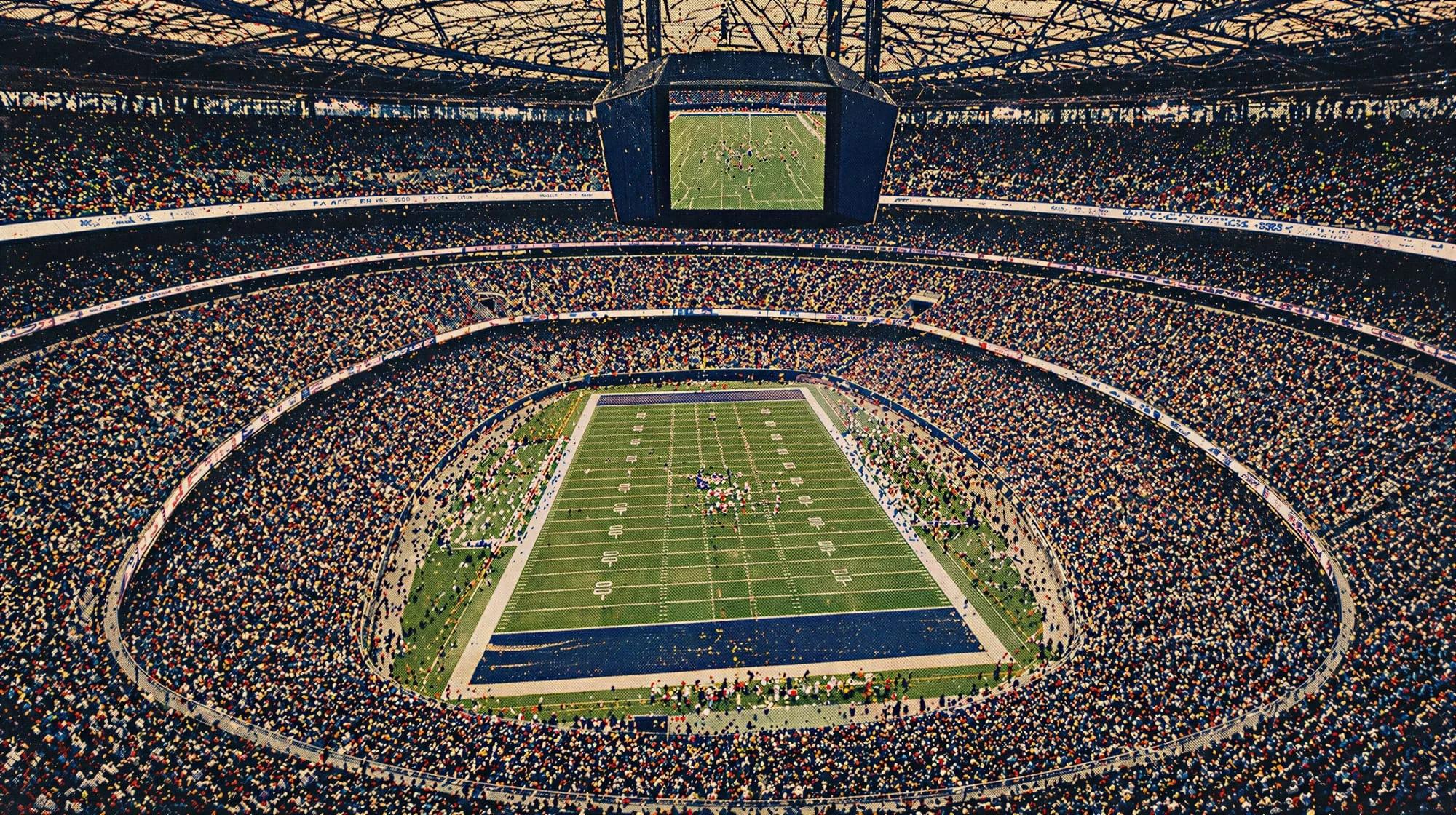
You've probably seen them by now. A short clip of someone sitting in a packed stadium, surrounded by thousands of people, completely unaware they're on camera. It looks like real TV footage — slightly blurry, compressed, the kind of shot a broadcast crew captures by accident. Then you find out it's AI-generated from a selfie taken in someone's bedroom.
This is the AI fan-cam trend, and it's been spreading across TikTok and Instagram. The catch is that almost every useful tutorial is in Korean, Russian, or Portuguese. There's barely anything clear in English.
So here's the full breakdown — how it works, what to type, and what to expect.
What Is the AI Fan-Cam Trend?
You upload a selfie, use an AI image tool to place yourself into a realistic stadium crowd as an ordinary spectator "accidentally" caught by a live sports broadcast camera, then animate that still image into a short 3–5 second video.
The look pulls from live sports TV broadcasts — compressed footage, telephoto lenses, imperfect framing, the kind of shot where the camera briefly cuts to a random fan in the stands. A lot of tutorials reference Korean baseball broadcasts specifically because that style is particularly distinctive, but the same technique works for football, basketball, or any sport.
What makes it work is counterintuitive. The AI leans into the weaknesses of broadcast footage rather than fighting them. Live sports cameras are already compressed, slightly blurry, and imperfectly framed. Those qualities hide the artifacts that would make AI video look obviously fake in a clean portrait or polished cinematic shot.
You're not trying to make something beautiful. You're trying to make something that looks like footage nobody cared that much about capturing. That is the trick.
What You Need and How Much It Costs
You need three things:
- An image generator: ChatGPT (free or Plus), Google Gemini (free), or similar
- An image-to-video tool: Kling AI, Higgsfield, or Seedance
- A clear selfie: Good lighting, neutral expression, no heavy filters
The image generation step is free on most platforms. The animation step is where it gets slightly more involved — Kling AI's Pro mode produces the best results and uses credits, but the free tier is enough to test the workflow and see if you like it before spending anything.
Total time from selfie to finished clip: around 20–30 minutes, including regenerations.
The Two-Step Process
There are two stages: generate the still image first, then animate it. Don't try to do everything in one step. The best results come from getting the image right first, then adding very subtle movement after.