How to Get AI to Write in Your Brand's Voice
How to get AI to write in your brand's voice: build a voice guide from your own writing, set it up in Claude, ChatGPT or Gemini, and fix the common mistakes.
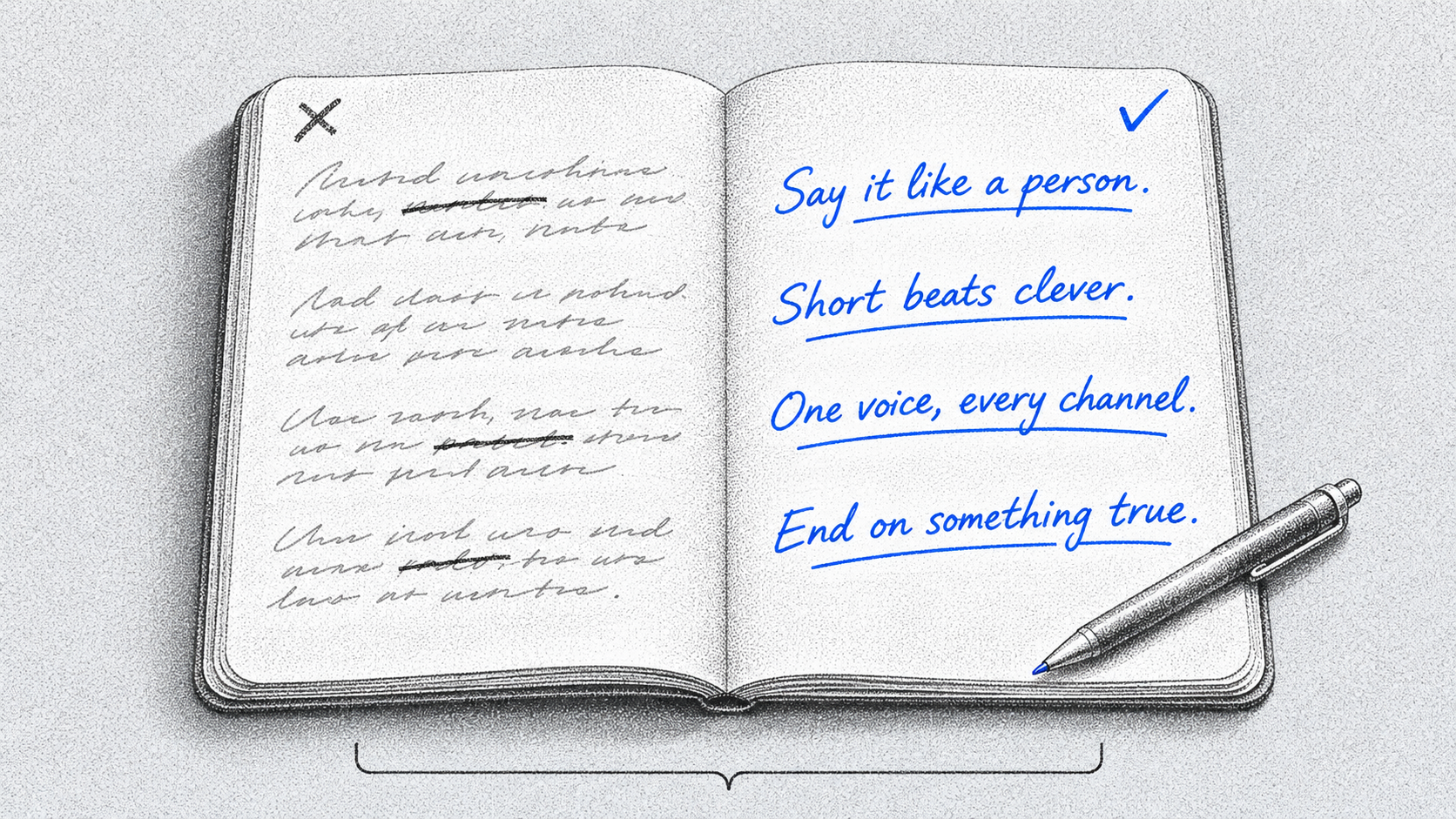
AI can write a week of social posts, product pages and customer emails before lunch. The problem is that it all sounds the same, and not like you. Smooth, upbeat, a bit breathless, and interchangeable with every other business using the same tool.
Customers notice. In a 2024 Bynder survey of 2,000 people in the US and UK, 82% said they didn't mind brands using AI to help write copy, as long as it felt written by a human. Once people knew a piece was AI-generated, 52% said they felt less engaged with it.
So the job isn't avoiding AI. It's getting AI to write in your brand's voice, consistently, without you rewriting every draft. Here's how to build a voice guide an AI can actually follow, where to put it in each of the main assistants, and where it still goes wrong.
What a brand voice means to an AI
Most brand guidelines describe a voice with adjectives: friendly, professional, approachable. An AI can't do much with those, because every assistant already thinks it's being friendly and professional.
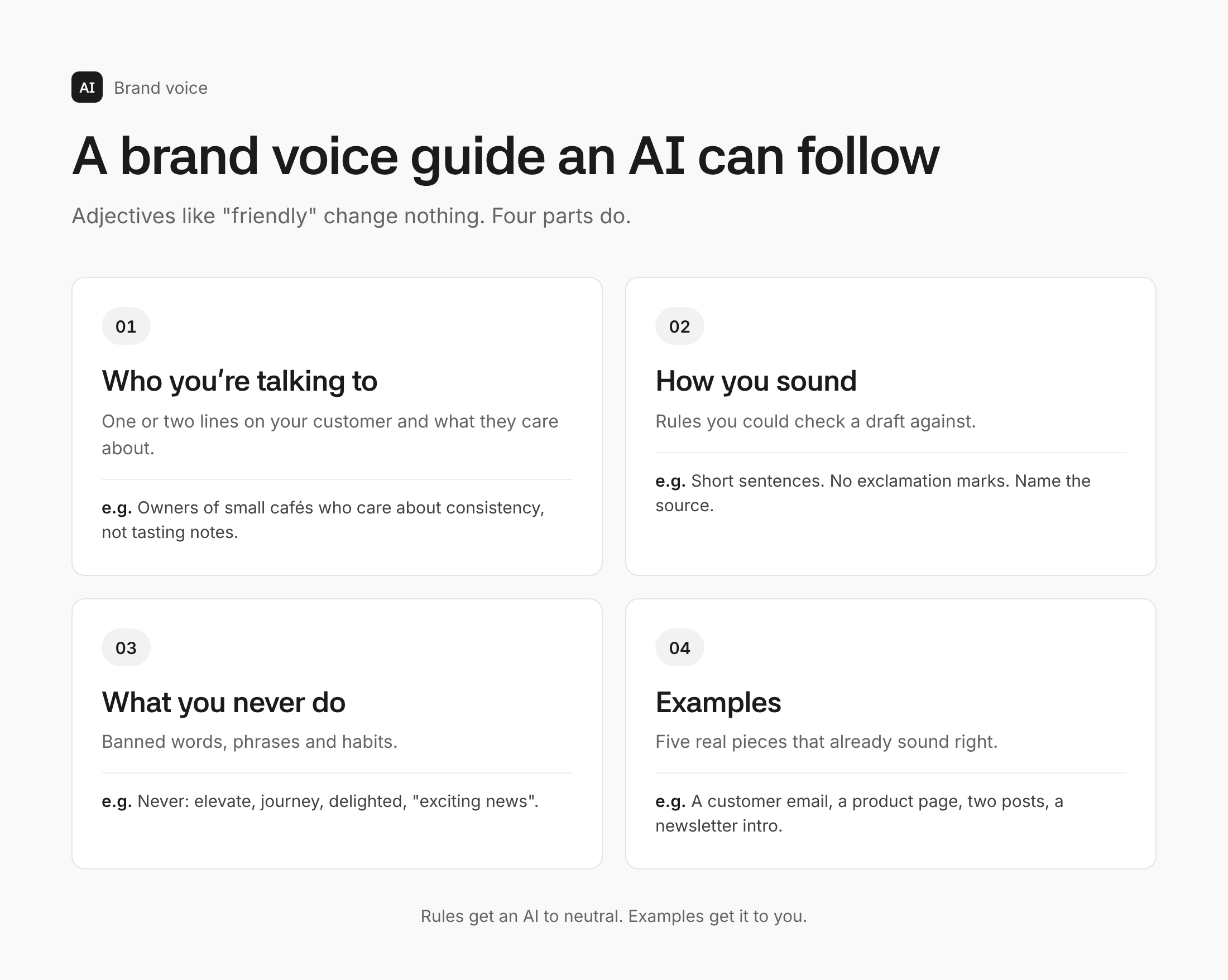
What it can follow is habits. How long your sentences run. Whether you use exclamation marks. How you open an email and how you sign off. The words you'd never use. A voice an AI can copy has four parts:
- Who you're talking to. One or two lines on your customer and what they care about.
- How you sound. Specific rules about sentence length, tone and structure.
- What you never do. Banned words, phrases and habits.
- Examples. Real pieces of your writing that already sound right.
The examples matter most. Rules get an AI to neutral. Examples get it to you.
How to build a voice guide in 20 minutes
1. Collect five pieces that already sound right
Pick real writing, not your best writing: a customer email, a product page, two social posts, a newsletter intro. A mix of channels helps the AI find what stays the same across them. If several people write for the business, use pieces from whoever sounds most like the brand.
2. Get the AI to write the guide for you
You're too close to your own writing to describe it well. Paste the five pieces into any assistant with this:
Here are five samples of writing from my business. Analyse how we write, not what we write about. Produce a brand voice guide an AI could follow, with four sections: who we're writing for, how we sound (sentence length, rhythm, formality, punctuation, how we open and close), what we never do, and five habits that make something sound like us. Quote examples from the samples. Keep it under 300 words.
3. Edit what comes back
Delete anything wrong and add what it missed. Two additions almost always help. First, a banned list of words your brand would never use, such as "elevate", "seamless", "delighted" or "journey". Second, a line limiting repetition: use at most one of the signature habits per piece, and never reuse a phrase quoted from the samples. Without it, the AI latches onto one catchphrase and puts it in everything.
4. Test it blind
Ask the AI to write something you've already written yourself, using only the guide. Compare the two. If the difference is obvious, the guide needs more rules or better examples.
Where to put it in each assistant
The guide is just text, so it works anywhere. Where you store it decides whether you paste it every time or set it once.
Claude. Claude has a feature built for exactly this. Under the tools menu, Use style, then Create custom style, you can upload a writing example as a PDF, Word document or text file, or paste text, and Claude generates a matching style you can pick for any chat. For business work, a Claude Project holding the voice guide and your samples does the same job and keeps everything in one place.
ChatGPT. ChatGPT has no upload-your-writing button on standard plans. The voice guide goes in custom instructions, with your samples in a Project. AI Manual's step-by-step guide to setting up ChatGPT so it writes like you covers each setting. OpenAI has also been testing a Writing Style feature in ChatGPT Work that learns from connected apps like Gmail, Google Drive and Slack, though it isn't clear yet which plans will get it.
Gemini. In October, Google added a settings hub to the Gemini app with custom skills built partly to preserve tone and voice. The voice guide fits there.
The verdict. For one person, Claude Styles is the quickest route, because it does the analysis from your samples for you. For a team, a shared project holding the voice guide and samples beats everything else. The voice lives in one place, everyone uses the same version, and when you update it, every draft changes with it.
What the difference looks like
AI Manual ran the same request in Claude twice, for a made-up coffee roaster: a 60-word Instagram caption announcing a new Ethiopian coffee. The first run had no guide. The second used a short voice guide: dry, specific, no exclamation marks, name the source, one line of humour.
Without the guide:
"Exciting news! We're thrilled to introduce our brand-new Ethiopian single-origin coffee, a truly unique blend that will elevate your morning routine. With delightful notes of blueberry and jasmine, every sip is a journey. Grab yours today!"
With the guide:
"New in: Ethiopia, from the Hambela washing station. It tastes like blueberries, which we didn't add. Light roast, so go easy on the milk. Bags from Friday, and the first batch is small because the importer's van is also small."
Same facts, same length. Only one sounds like a business with a personality. Notice that the first version also called a single-origin coffee a "blend", which is wrong. A generic voice often comes with generic mistakes.
Where it goes wrong
- The guide is all adjectives. "Warm, witty, confident" changes nothing. Every line should be something you could check a draft against.
- The catchphrase problem. Give an AI five samples with a signature sign-off and it will use that sign-off every time. Limit repetition in the guide, as in step 3.
- Drift in long chats. Over a long conversation, assistants slide back towards their default style. Start a fresh chat for each new piece, or remind it of the guide.
- Everyone has their own version. If three staff each paste a slightly different guide, you get three voices. Keep one master copy in a shared project.
- The tells survive anyway. Even with a ban on exclamation marks or em dashes, one will slip through. Always read the draft before it goes out.
- Voice can't add substance. A voice guide makes copy sound like you. It can't supply the real detail, the honest opinion or the specific number. For product pages especially, the guide on writing product descriptions that sell with AI covers what to feed it.
Advice built around your business
A voice guide is one piece of a bigger picture: which tasks to give AI, which tools fit your business, and what to set up first.
AI Manual is building a system that works that out for you, from a short set of questions about your business and goals. It isn't open yet. Contact us and you'll be among the first in.
Frequently asked questions
Can I have different voices for different channels?
Yes. Keep one core guide, then add a short note per channel: tighter for social, warmer for customer service, more formal for proposals. In Claude or ChatGPT, a separate project per channel works well.
Will the AI copy our mistakes?
It copies whatever the guide records. If the extraction lists a bad habit as a feature, like overusing a phrase, delete that line before you use the guide.
Should we tell customers we use AI?
That's your call, and rules vary by country and industry. In the same 2024 Bynder survey, 63% of people said they'd prefer AI-generated content to be disclosed. AI-assisted copy that a person has edited is in a different place from copy published unread.
Are dedicated brand voice tools better than a chat assistant?
Many marketing and design tools now have their own brand voice settings, and they're worth using if your team already works in them. The method is the same: rules plus examples. A guide written once can be pasted into all of them.
The takeaway
Your brand's voice was never the adjectives in a style guide. It's the habits in the writing you already have. Give an AI those habits, five real examples and a list of things you'd never say, and it stops writing like everyone else.
Start with step 1 today. Find five pieces that sound like your business, run the prompt, and save the result where your whole team can use it.