Where Should a Small Business Actually Start With AI?
Where should a small business start with AI? Pick one weekly, text-heavy task, use one paid assistant and run a two-week test. Here's how to choose it.

Most small businesses still aren't using AI. The latest ONS survey, published in October 2026, puts it at 29% of UK firms with fewer than 10 staff. The other 71% aren't necessarily behind. Many of them just haven't found a good first job to give it.
That's the real problem. Not which tool, not whether to "go all in", but where to point it first so it saves time in week one instead of becoming another subscription nobody opens.
This guide gives a small business a straight answer: the kind of task to start with, the tool to use, a two-week test to prove it works, and the mistakes that sink most first attempts.
Start with one job, not a tool
The best place for a small business to start with AI is one repetitive, text-heavy task that someone already does every week. Use a general assistant such as ChatGPT, Claude or Gemini for it, and measure the time it saves over two weeks.
That's the whole strategy. Businesses that start with the tool ("we've bought Copilot, now what?") tend to drift. Businesses that start with a job ("quotes take Sarah four hours a week") know within a fortnight whether it worked.
The data backs up where those first jobs sit. In the UK government's AI adoption research, the most common uses among businesses using or planning to use AI were content creation (77%) and admin (70%). The ONS found admin and clerical roles were the ones most affected. Writing and admin come first because that's where AI is most reliable.
Four questions to find your first AI task
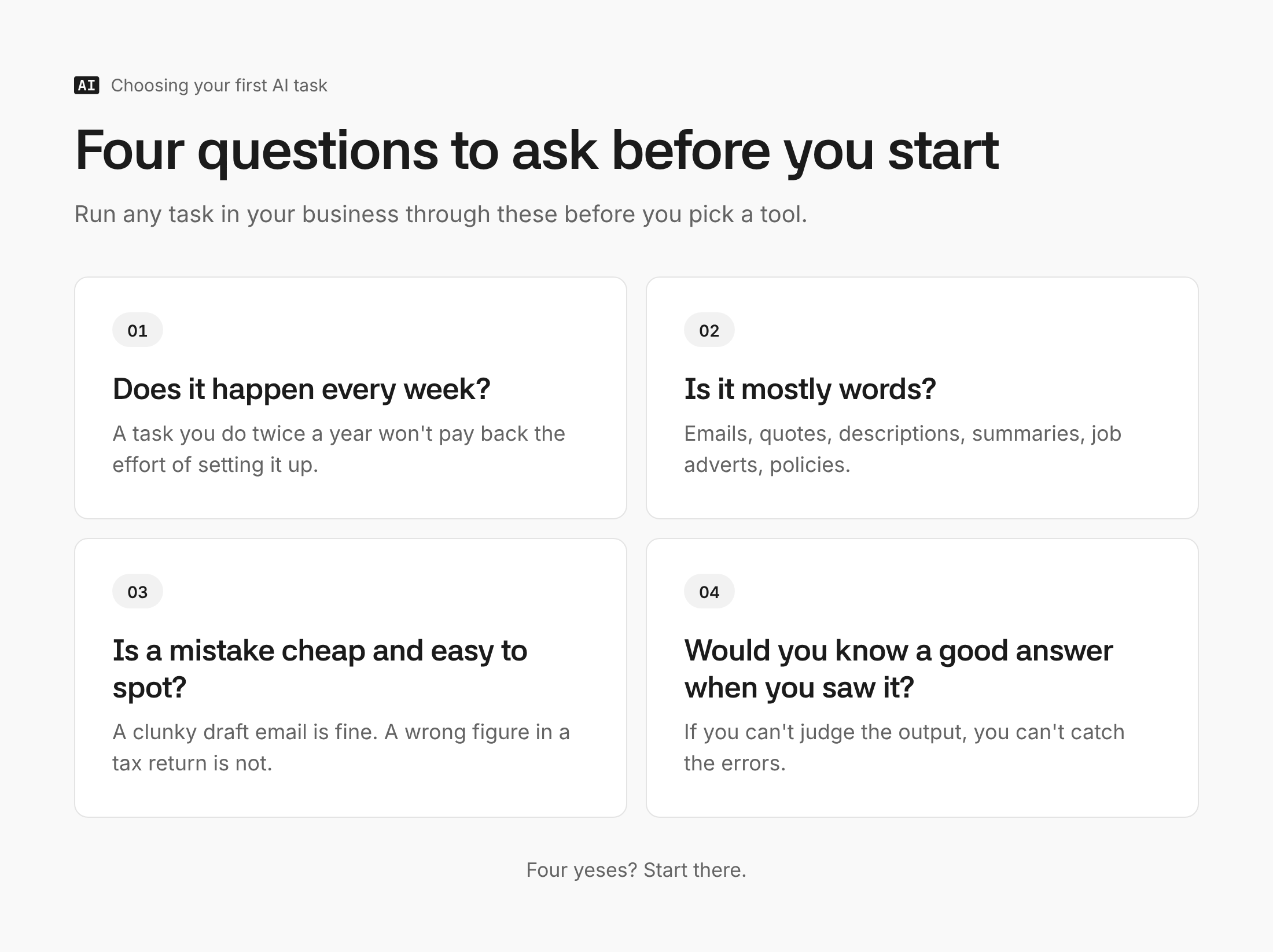
Run any candidate task through these four questions. If it gets four yeses, start there.
- Does it happen every week? A task you do twice a year won't pay back the effort of setting it up.
- Is it mostly words? Emails, quotes, descriptions, summaries, job adverts, policies. AI is far stronger with text than with judgement calls about people or money.
- Is a mistake cheap and easy to spot? A slightly clunky draft email is fine. A wrong figure in a tax return is not.
- Would you know a good answer when you saw it? If you can't judge the output, you can't catch the errors.
Five jobs that usually pass the test
These come up again and again in small businesses, across very different trades.
- Replying to customer emails. Paste in the customer's message and your usual policy, get a draft back, edit and send. The draft is the time sink, not the sending.
- Turning rough notes into quotes or proposals. Voice notes or bullet points from a site visit become a tidy, consistently structured document.
- Writing marketing copy from what you already have. One blog post or product launch becomes a week of social posts, an email and a website update.
- Summarising long documents. Supplier terms, tender documents, lease agreements. AI gives you the shape quickly, but a human still reads the clauses that matter.
- Writing down how things are done. Process documents, onboarding notes and FAQs that live in one person's head. Describe the process out loud and let AI structure it.
Pick one tool and pay for it
For a first task, a general AI assistant beats any specialist tool. The judgement here is simple.
- If the business already runs on Google Workspace, start with Gemini. Google's Workspace plans include it, with fuller access inside Docs, Gmail and Sheets on Business Standard and above.
- If it runs on Microsoft 365, try the free Copilot Chat first. Microsoft says it comes at no extra cost with eligible subscriptions. The paid Microsoft 365 Copilot Business add-on is £16.10 per user a month on annual billing, discounted to £13.80 until the end of 2026.
- If neither, pick ChatGPT or Claude and pay for the individual plan, around $20 a month. Both are strong at business writing. Don't pay for both; the difference matters far less than actually using one.
The paid tier matters. Free plans hit usage limits quickly and usually run on weaker models, which is how many owners conclude "AI isn't very good" after a single bad afternoon. Once more than one person needs it, team plans start at around $25 per seat a month (ChatGPT Business and Claude Team both list that price for monthly billing).
Run a two-week test
This is the step most businesses skip, and it's the one that turns a vague experiment into a decision.
- Time the task as it is now. Write down how long it takes in a normal week. Be honest.
- Write one reusable prompt. Give the AI the context it needs every time, so you aren't starting from scratch.
- Use it for every instance of that task for two weeks. Not just when you remember.
- Edit, don't rewrite. If you're rewriting more than a third of every draft, the prompt needs more context, not the bin.
- Compare the time. Then decide: keep it, improve the prompt, or try the next task on your list.
Here's the kind of prompt that works for customer emails. The bracketed parts get filled in once and saved.
You're helping me reply to customer emails for [business name], a [what you do] based in [location]. Our tone is friendly, plain and brief. Our key policies: [returns policy, delivery times, pricing rules]. Never promise refunds, discounts or dates that aren't in these policies; if the customer asks for one, say I'll confirm personally. Here's the customer's email: [paste]. Write a reply I can send with light editing.
The line about never promising things matters more than it looks. It's what stops the draft inventing a policy you don't have.
For a sense of what to expect, a St. Louis Fed study found generative AI users saved around 5.4% of their working hours, roughly two hours in a 40-hour week. That's an average across all kinds of work. A well-chosen first task can do better; a badly chosen one saves nothing.
Where it goes wrong
The failures are predictable, which means they're avoidable.
- Trusting facts it produced. AI writes confidently even when it's wrong. Use it on material you supply (your policies, your notes, your prices), not as a source of facts. There's a full guide on how to use AI without it making things up.
- Starting with something customer-facing and unsupervised. A website chatbot sounds like the obvious first project. It's the riskiest one. In 2024 a Canadian tribunal held Air Canada responsible for a refund policy its chatbot invented. Keep a human between the AI and the customer until you trust it.
- Pasting in what you shouldn't. Customer personal data, staff records and anything under NDA need care. The ICO's guidance on AI and data protection applies, though it's currently under review. When in doubt, strip names and details before pasting.
- Buying specialist tools too early. An "AI for estate agents" subscription might be right eventually. Before you've used a general assistant for a month, you can't tell what it adds.
- Nobody owning it. If it's everyone's experiment, it's no one's. Give the two-week test to one named person.
Get an AI plan built around your business
Knowing where to start is the generic part. Knowing which task in your business, with your tools and your customers, is the part a guide can't do. AI Manual is building exactly that: answer a few questions about your business and get a plan written for you. It isn't open yet. Contact us and you'll be among the first in.
FAQ
Do I need to pay for AI, or is the free version enough?
The free versions are fine for a first look, but not for a fair test. Usage limits and weaker models make AI seem worse than it is. One paid plan at around $20 a month for the person running the test is enough.
Is it safe to use AI with customer information?
It can be, with care. Strip out names, emails and anything identifying where you can, and check the data settings on your plan. If the task needs real personal data, read the ICO's guidance and consider a business plan with clearer data terms.
Will AI replace my staff?
For most small businesses, not in the way headlines suggest. The ONS found 6% of firms had reduced headcount because of AI, and a British Chambers of Commerce survey analysed by ISER at Essex found 95% of AI users reported no change to their workforce. The common outcome is the same people spending less time on admin.
How long until it pays for itself?
With the right first task, usually within the first month. Saving two hours a week covers a £20 subscription many times over. If the two-week test shows no saving, the task was wrong, not necessarily the tool.
Can AI connect to the tools my business already uses?
Yes, through connectors. Most are built on MCP (Model Context Protocol), an open standard for plugging AI into other apps, which Anthropic created and handed to the Linux Foundation in December 2025, and which ChatGPT, Gemini and Microsoft Copilot all support. It lets an assistant work directly with your inbox, calendar or store data instead of you pasting things in, but it's a step to take once your first task is working, not before.
The takeaway
Don't start by choosing an AI tool. Start by writing down the three most repetitive, word-heavy jobs in the business this week, run the four questions over them, and give the winner a fortnight with a paid assistant. That one test will tell you more than any amount of reading, this guide included.
Once it works, the next step is connecting the assistant to the tools the business already runs on, so it works from your real emails, orders and calendar rather than whatever you paste in. That's where the bigger time savings sit, and where the access you hand over starts to matter, so read what you're actually giving AI when you connect your accounts first.